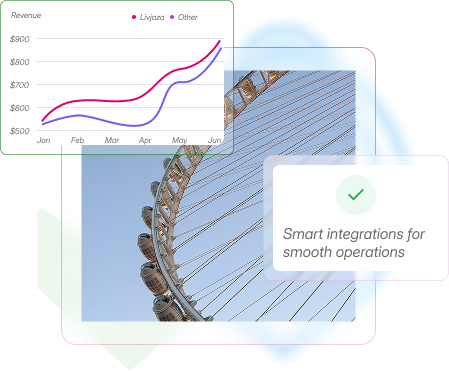
Smart integrations for smooth operations
Browse your integrated partner in your business management

Your Trusted Partners


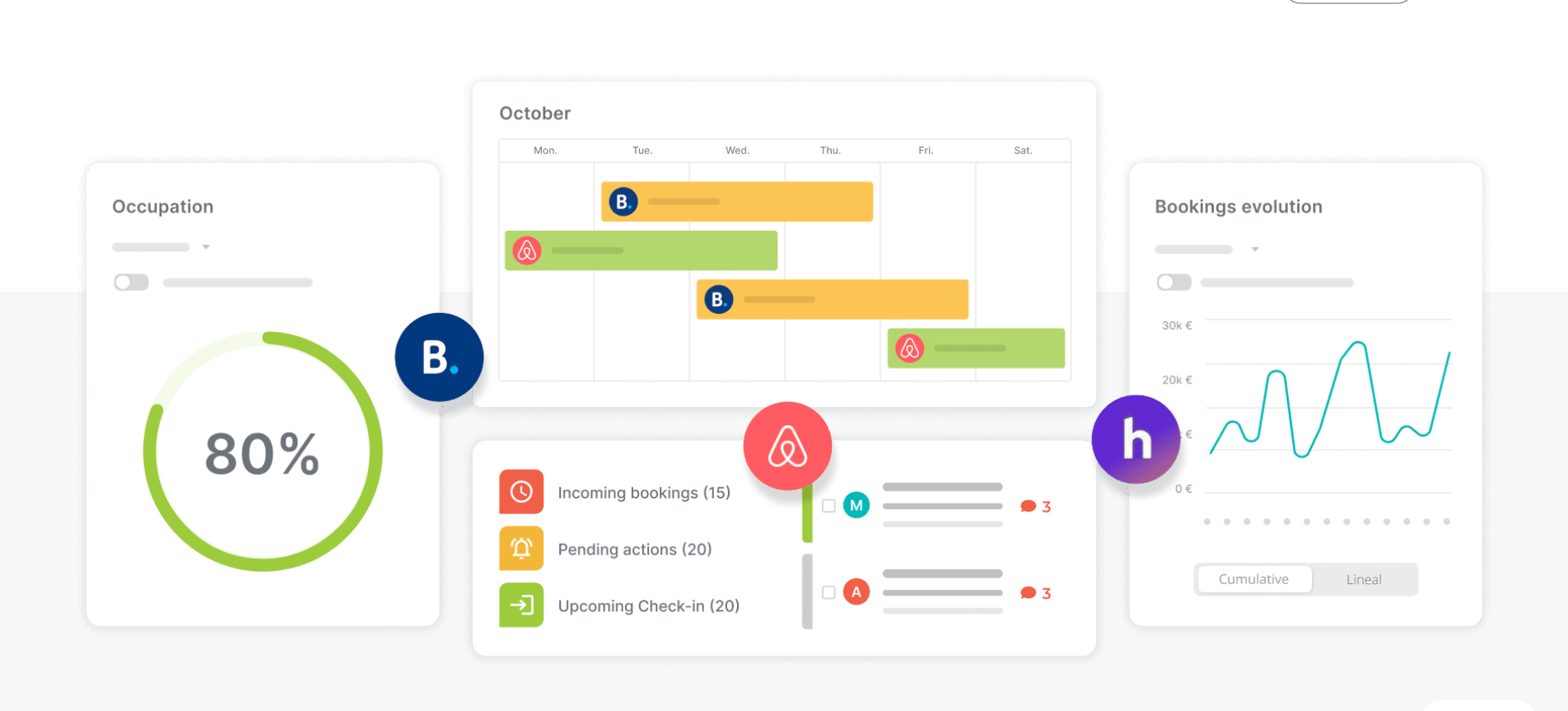

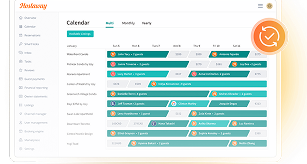


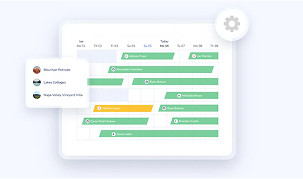
Manage your listings from anywhere
Avoid double bookings with real-time calendar updates
Save time by managing listings across platforms from one dashboard
Update rates and availability instantly everywhere you list
Stay in control with centralized reservation and guest info
Boost revenue by optimizing pricing and occupancy
How to connect Livjaza and rentalsunited
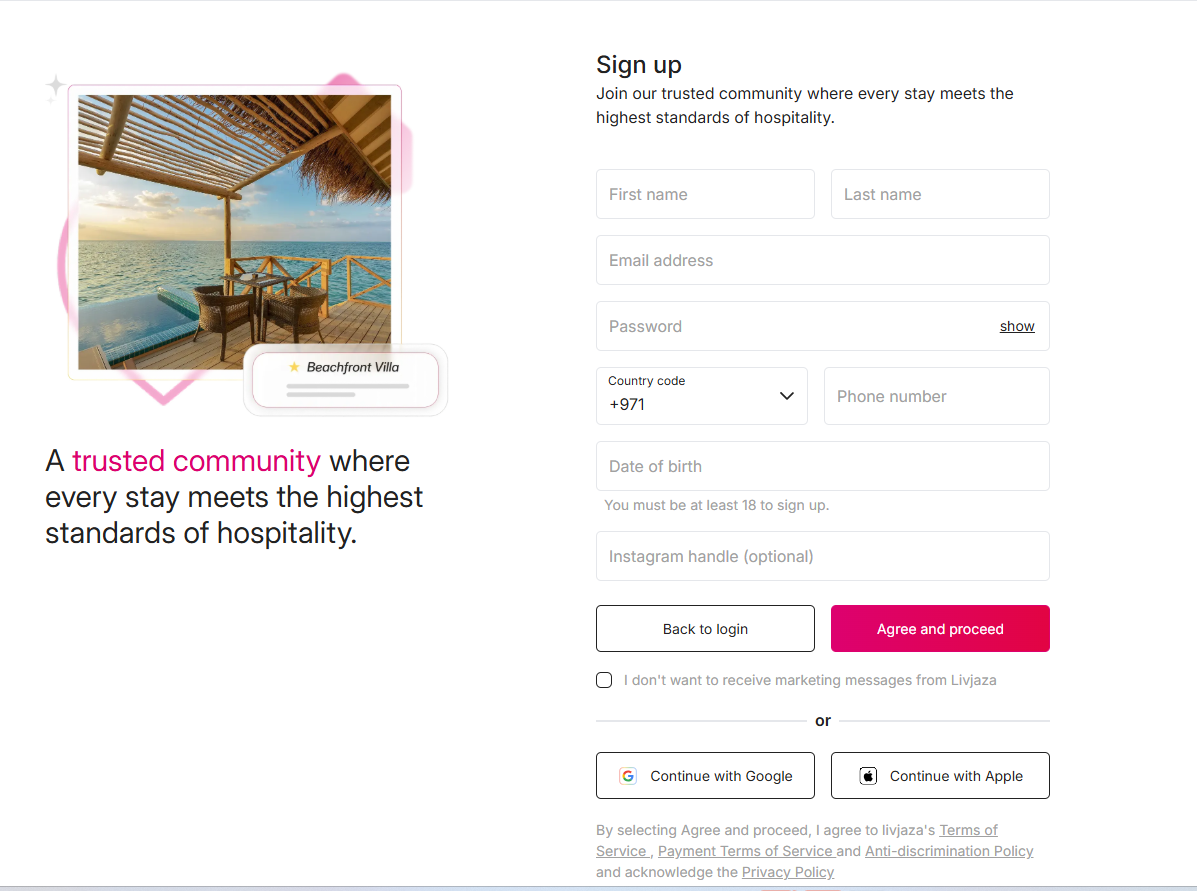
- 1. Sign up on Livjaza and apply to be a host
Head to Sign Up, follow the on-screen steps, and submit your host application.
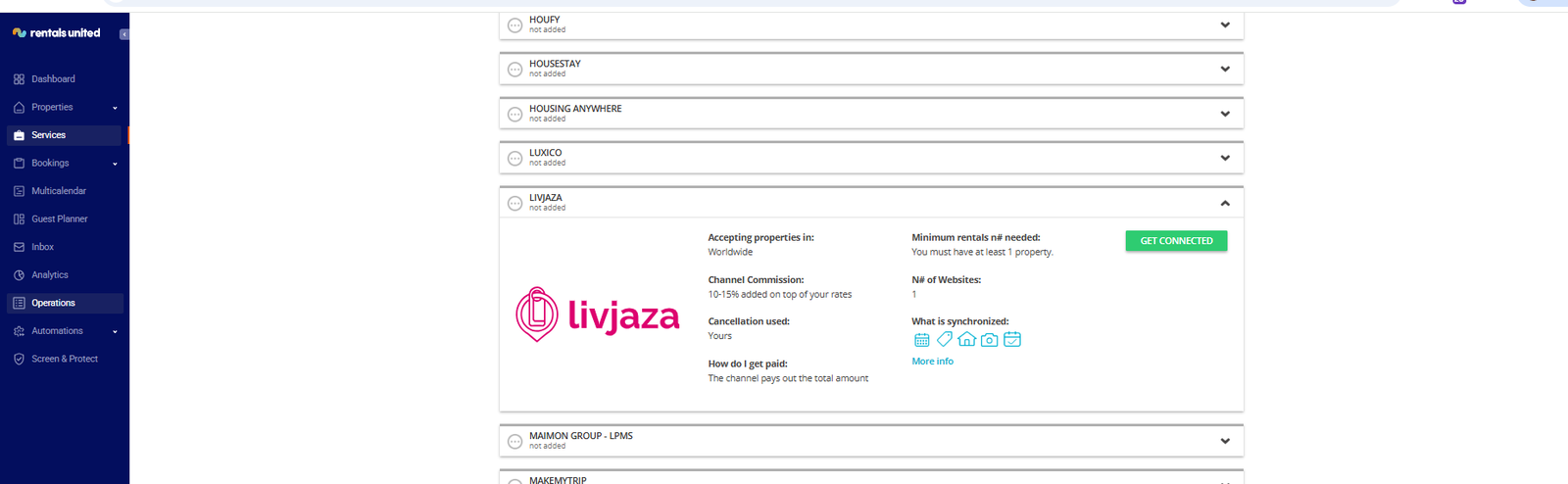
- 2. Log into your Rentals United account
Go to Services > Find services and find Livjaza then click 'get connected'
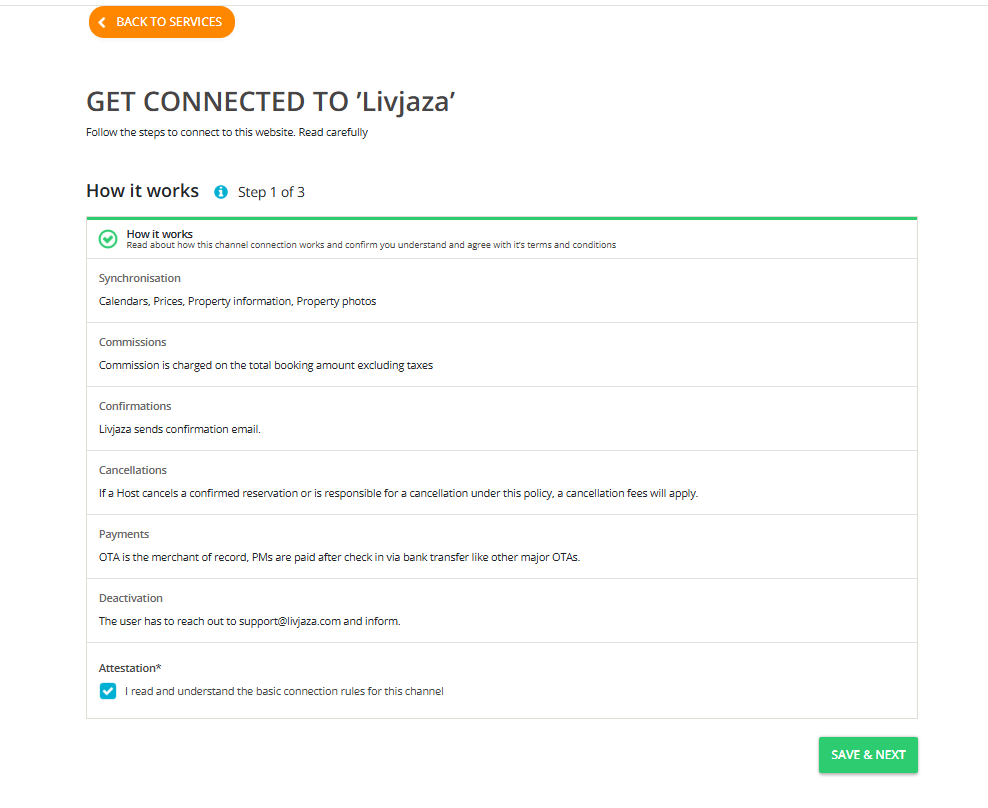
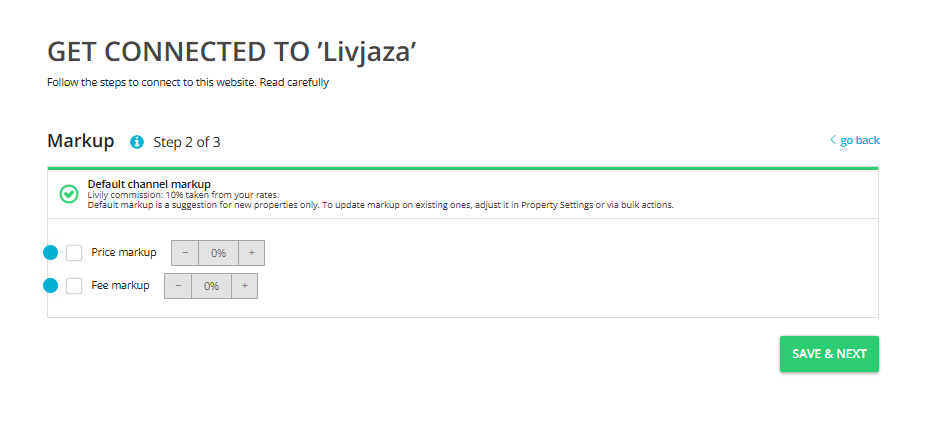
- 3. Follow the connection steps
Click save and next and add your markups on the second step.
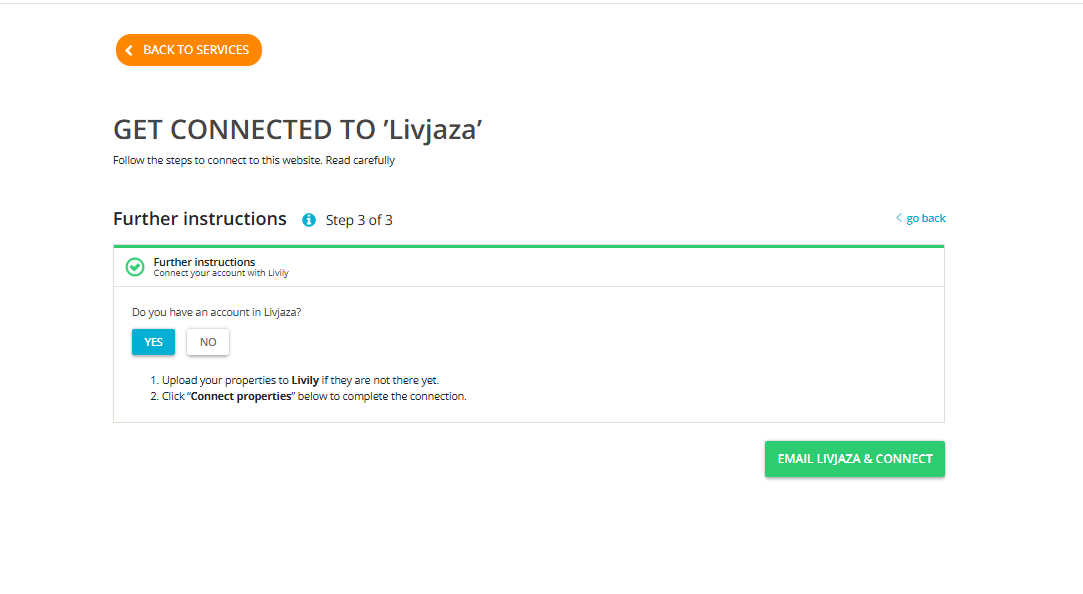
- 4. Final step select you have already signed up on Livjaza and send us an email
Send us an email that you have ready signed up. Then click the Email Livjaza & connect button on RU once done.
- 5. Livjaza team will get in touch with you for the onboarding.
Livjaza will finalize the connection, just sit tight and relax.